Is WebRTC leaking your real IP?
WebRTC can reveal network info that bypasses your proxy or VPN. We check whether your real route leaks, and what it means for account logins.
Why a WebRTC leak is dangerous
WebRTC is the browser's built-in real-time communication layer; to set up peer connections it gathers your network addresses — even when you use a proxy or VPN.
Bypasses your proxy / VPN
WebRTC asks STUN servers for your network address directly and can obtain a real IP outside your proxy, making a carefully configured proxy useless.
Triggers multi-account linking
Once your real IP disagrees with the region your account claims, risk systems treat it as a disguise signal and trigger extra verification, throttling or linked bans.
Happens silently
A WebRTC leak needs no camera or mic permission — just visiting a page is enough, and most users never notice.
How to fix a WebRTC leak
The goal is to stop WebRTC from exposing a real route that disagrees with your exit IP.
- Disable or restrict WebRTC in your browser (e.g. media.peerconnection.enabled in about:config, or an extension).
- Use a proxy / antidetect browser with WebRTC leak protection that forces ICE through the proxy route.
- Avoid multiple active network exits so your real adapter address can't be gathered.
- Re-check after fixing to confirm the address matches your exit IP.
WebRTC is only one part of your environment
Want to know whether this environment is consistent and safe for high-value account logins? Run the full account environment check.
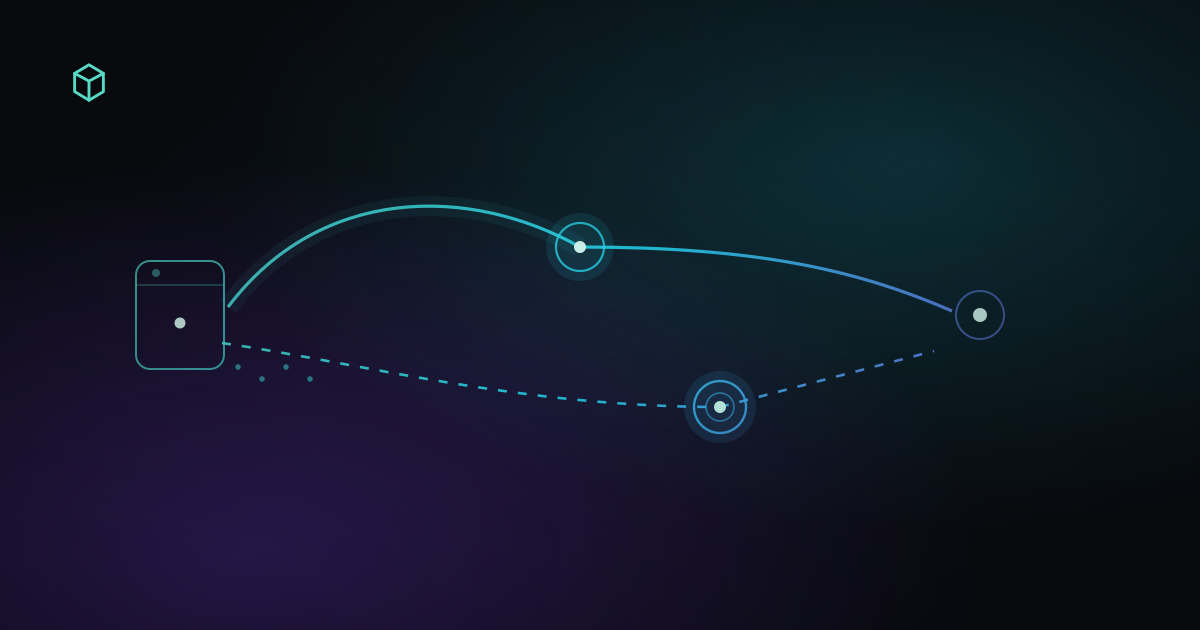
What Is a WebRTC Leak? How to Tell If Your Real IP Is Exposed
A practical guide to WebRTC leaks: how to compare your normal public IP with WebRTC results, tell a real leak from a harmless local address, and fix an unexpected network path.

Can websites detect a VPN?
IP type, network ownership, reputation and browser signals all feed VPN detection. What sites can see, and how to check your current exit.