IP check
Is your IP clean?
Line type, proxy flags, IP blacklist and IP abuse risk for your exit IP.
Account environment check
See whether IP, fingerprint and network signals line up.
WebRTC leak test
See whether the browser exposes another IP line.
DNS leak test
Check whether DNS exposes your real network.

How to Check If Your IP Is Clean: 4 Key Signals
Line type, proxy flags, IP blacklist and IP abuse risk decide whether an IP is clean. What each signal means, how to read the numbers, and one free check for all four.
Read article
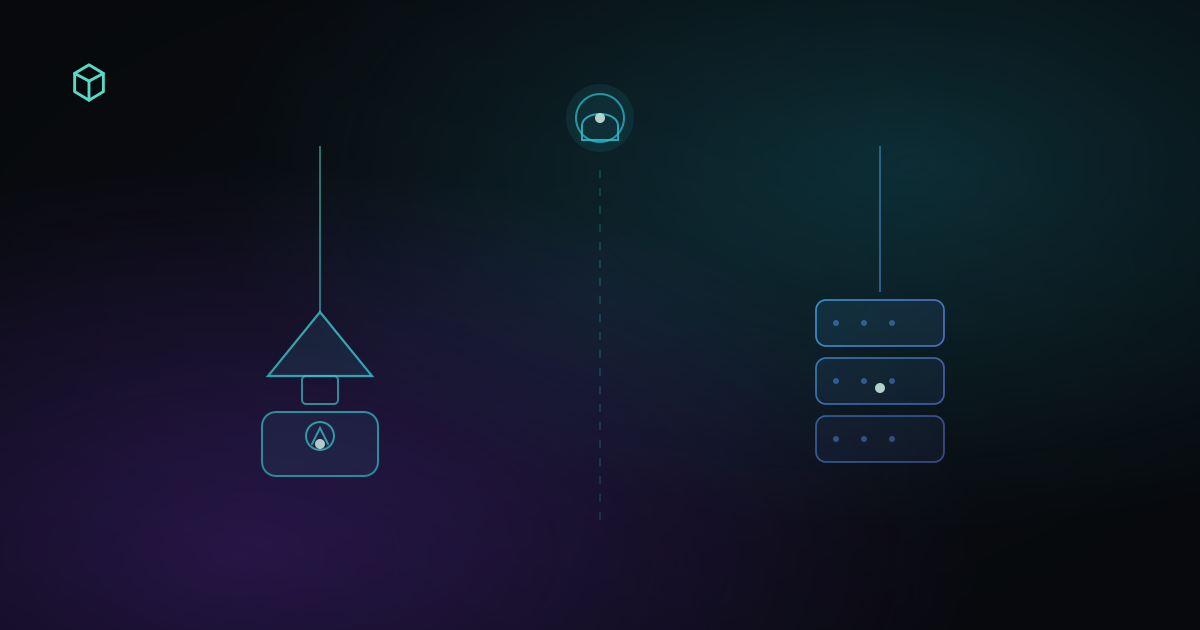
Datacenter IP vs residential IP explained
Datacenter IPs come from cloud and hosting ranges; residential IPs from home ISPs. How platforms classify them, why it matters for account logins, and how to check your current exit.
Read article
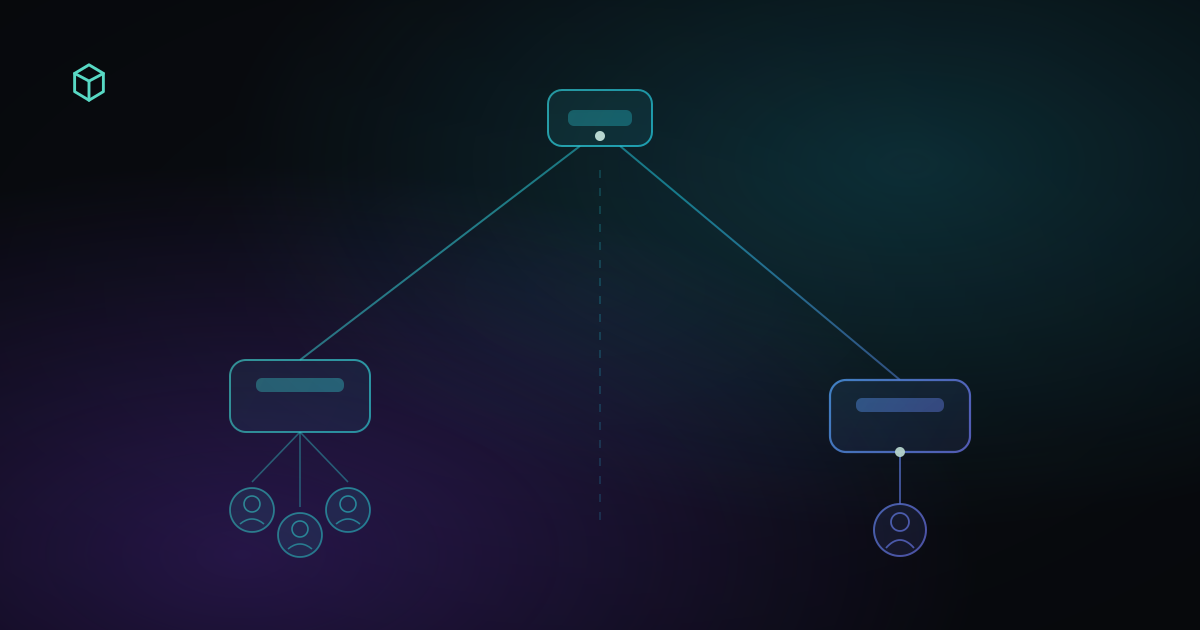
What's the difference between a shared IP and a dedicated IP
Shared means a crowded exit. Dedicated means the address is mainly yours. That is not residential versus datacenter, and platforms can treat accounts on the same IP as related.
Read article
Frequently asked questions
What does this IP check tell me?
The line type of your exit IP (residential / datacenter / mobile), whether it is flagged as proxy / VPN / Tor, IP blacklist status, a 0–100 IP abuse risk score, plus location and network operator.
Can I use this to verify a proxy?
Yes. Connect through the proxy first, then open this page — it checks the exit IP you're actually presenting.
Why is a datacenter IP risky for accounts?
Datacenter and cloud IPs don't look like real home networks, so many platforms' risk systems treat them as suspicious. For high-value account logins, a clean residential or ISP IP looks far more natural.
What IP abuse risk score counts as high?
0–33 is low, 34–66 is elevated, 67–100 is very high. The score reflects ties to attacks, abuse and anonymous network activity in public records.
What does an IP blacklist record mean?
The IP appears in public abuse databases — common with shared or second-hand lines. The record follows the IP, not you.
Does checking my IP expose my identity?
No. This check reads the IP you're already presenting to every website and looks up its public reputation. Nothing is stored or shared.